Instagram Finally Lets You Reorder Carousels After Publishing

Instagramadded a highly requested feature: the ability to reorder Carousels.
How Reordering Carousels Works
Now, users can rearrange the photos and videos in their Carousel after posting. To do this, go to Edit, long-press a photo or video, and drag it into the order you want.
There is still no ability to add new photos or videos to an existing Carousel.
More Flexibility for Creators and Brands
This simple but useful feature gives creators and brands more flexibility to update their Carousel content anytime, ensuring posts appear exactly how they want. Previously, changing the order required posting an entirely new Carousel.
In addition to flexibility, reordering Carousels can boost engagement on existing posts. Creators can rearrange frames to highlight the photo or video most likely to grab attention and give their content a second chance in the feed or on their profile for visitors.
Carousels Have Received Several Updates
Over the years, Instagram has added a number of updates to Carousels to give creators more creative freedom. Users can now upload up to 20 photos or videos in a single Carousel and also use different aspect ratios within the same post.
More recently, Instagram rolled out new insights for Carousels, showing exactly where viewers engaged with a post and helping creators understand which content resonates most with their audience.
Another Highly Requested Feature from Instagram
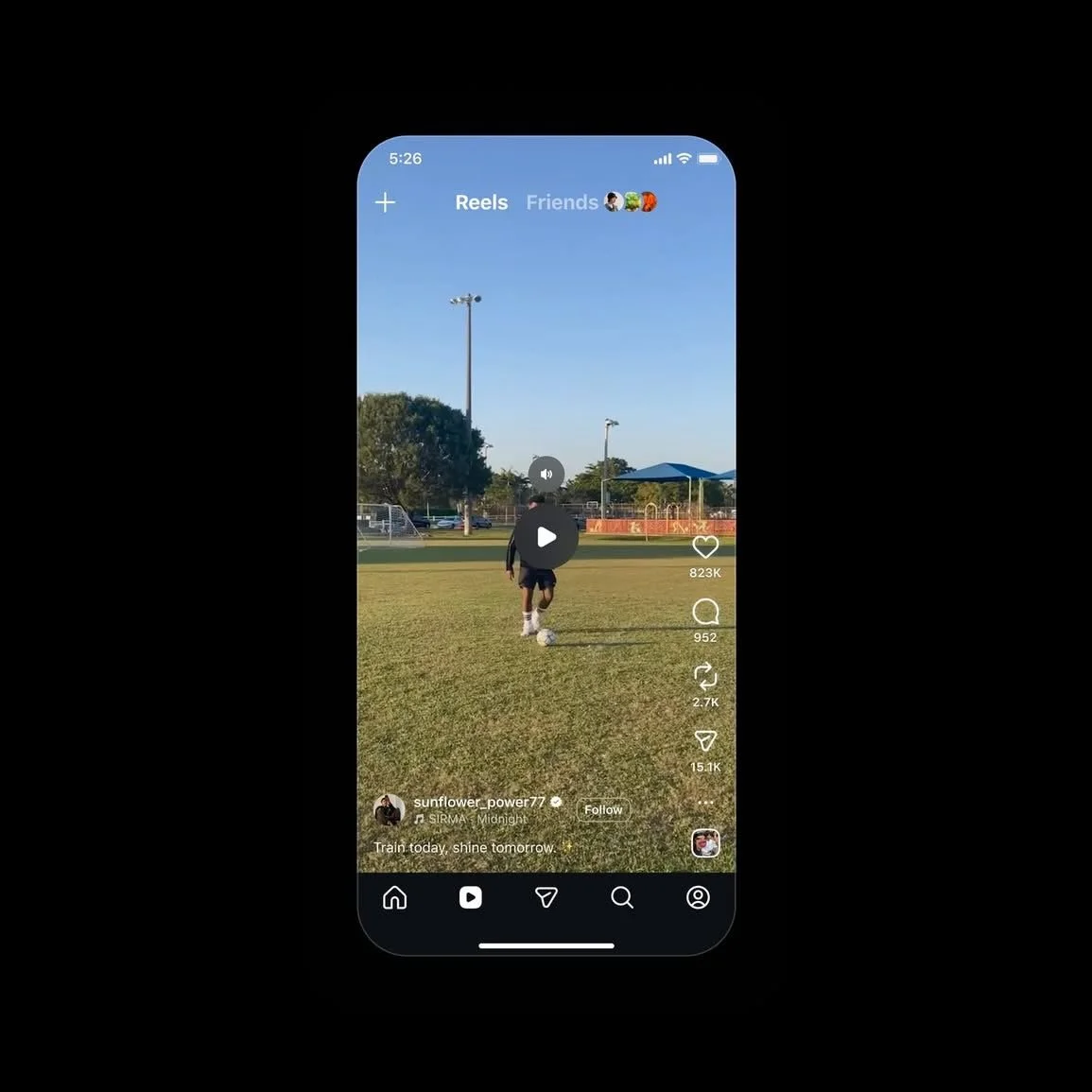
Just a few days before this update, Instagram added another highly requested feature: one-tap pausing of Reels.
While it’s been a while since a major update, these smaller, incremental improvements enhance the platform for creators and brands, while users wait for bigger updates.
Want more insights on the creator economy? Sign up for my newsletter or follow me on LinkedIn, Threads, and Instagram.